

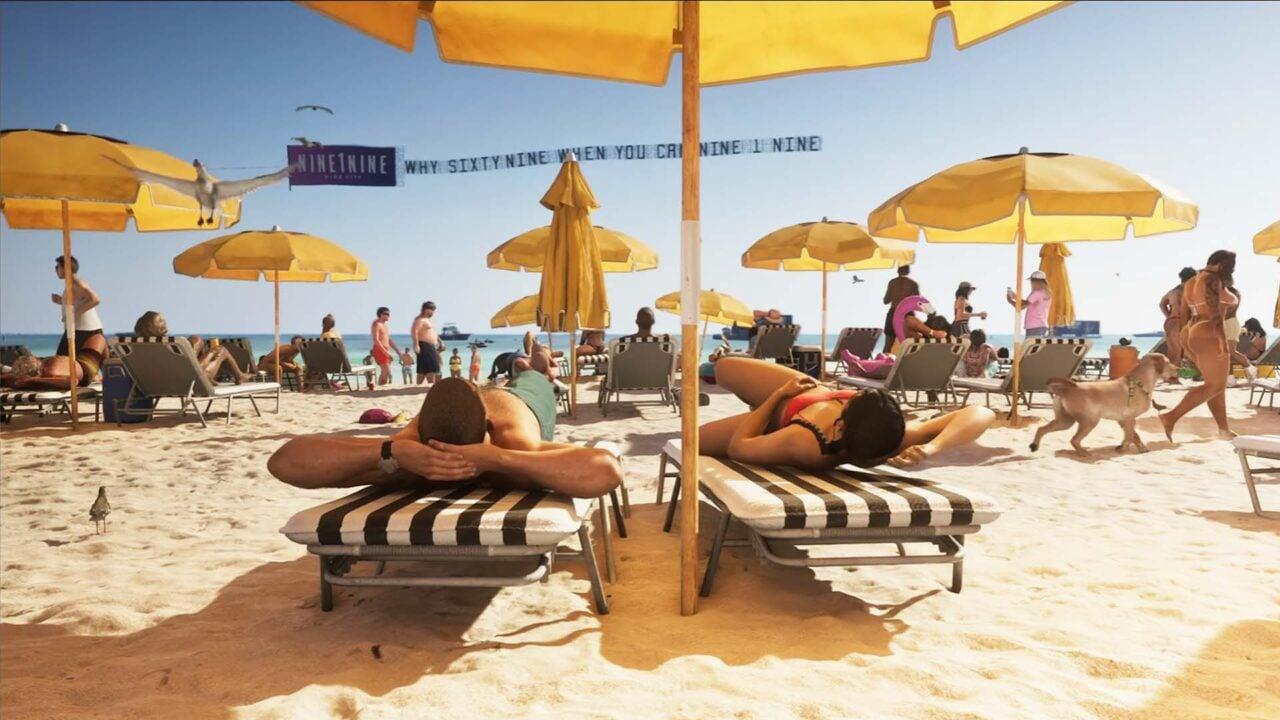
Best Display & Graphics Settings (PS5, PS5 Pro & Xbox Series X|S)
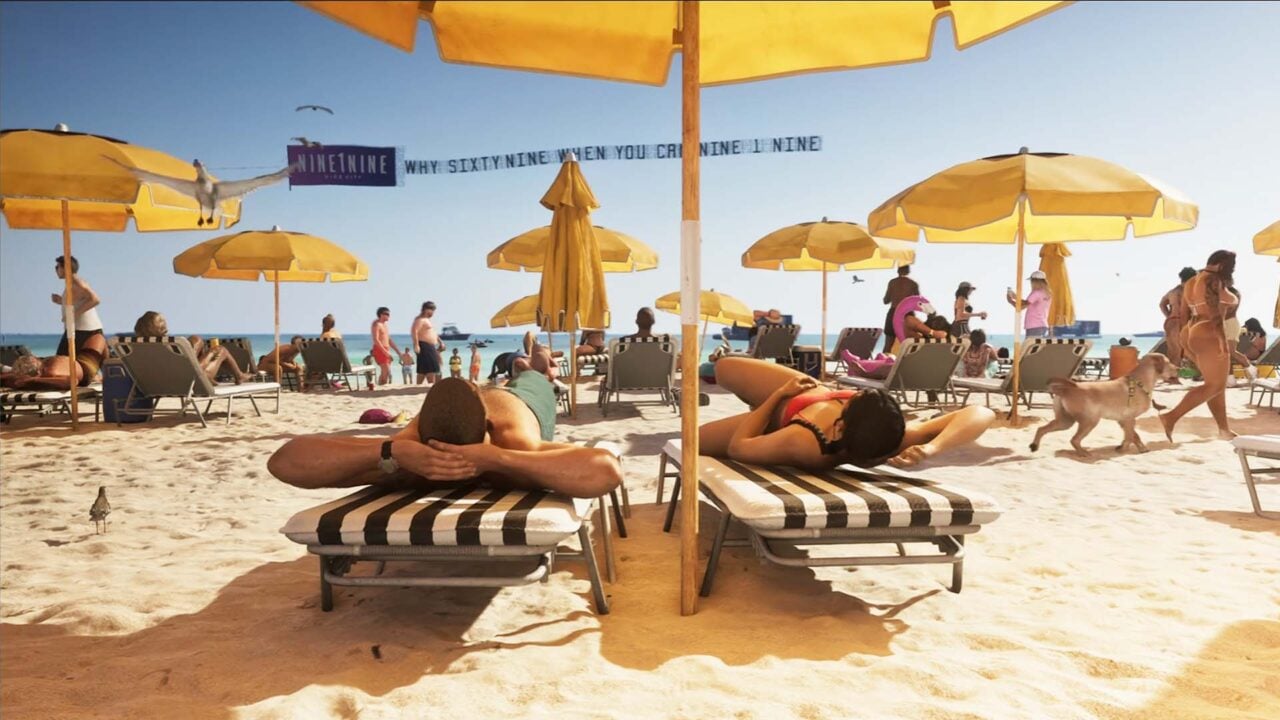
Patch 1.02 includes distinct console rendering targets across Sony and Microsoft hardware. Using Performance Mode transforms high-speed Ocean Drive weaving and VCPD gunfights from heavy 30 FPS input delay into crisp 60 FPS responsiveness.
| Setting | Recommended Value | Why Change It |
|---|---|---|
| Graphics Preset | Performance (60 FPS) | Cuts input lag in half; PS5 Pro PSSR keeps 4K clarity sharp |
| Motion Blur Strength | 0% – 15% | Eliminates blurry street signs at 180+ mph |
| Depth of Field | Off (or Low) | Keeps distant police choppers & snipers razor sharp |
| Film Grain | 0% | Cleans up nighttime rain and neon reflections |
| HDR Calibration | HGIG / Tone Mapping Off | Stops washed-out blacks in nightclubs & Grassrivers swamps |
| Chromatic Aberration | Off | Removes color fringing around bright Vice Beach billboards |
🎮 Series S Note: Xbox Series S targets 30 FPS dynamically; turning Motion Blur to 15% and Film Grain to 0% still dramatically cleans up visual clarity during driving chases.
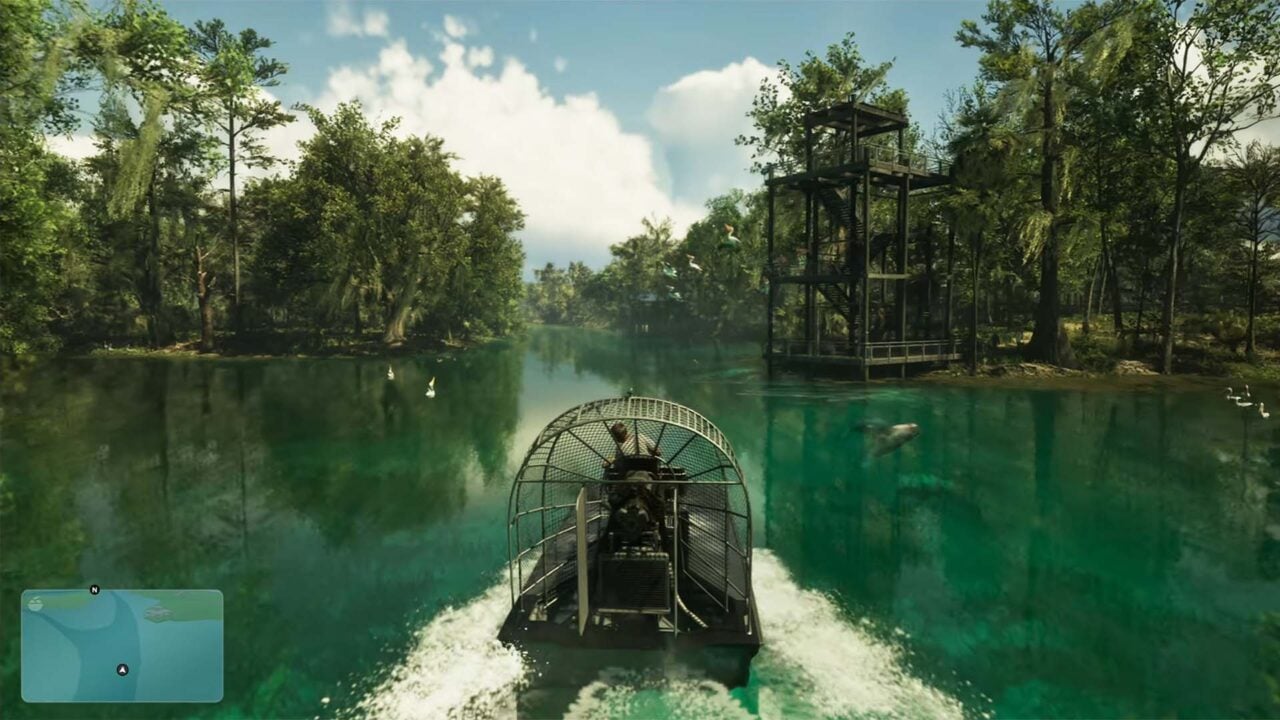
Best Controller, Aiming & Camera Settings (Fix Sluggish Turns)
Rockstar games notoriously ship with stiff default stick deadzones designed around casual sightseeing. Applying these Day-1 Controller Tweaks makes snap headshots effortless—especially when chasing Gold Medal headshot counts inside our Missions & Heists Guide.
Recommended Aiming & Look Tuning
- Targeting Mode: Assisted Aim – Partial (snaps onto center mass cleanly without yanking your reticle between adjacent targets)
- First-Person & Third-Person Look Sensitivity: 65% – 75%
- Aim Sensitivity: 55% – 65%
- Look / Aim Deadzone: 5% – 8% (drop as low as your controller allows without stick drift)
- Aim Acceleration: 85% – 90% (eliminates slow initial camera spin when turning behind cover)
- Allow Camera Auto-Center (Vehicle): Off or Delayed (lets you look around corners manually without fighting the camera)
- Sprint Input: Hold to Sprint (or Toggle) — saves your thumb and DualSense face buttons during long wilderness chases in Mount Kalaga
🎯 Tactical Gear Tip for Heavy Deadzones: If your thumbsticks still feel stiff or suffer from minor center-stick drift, pairing software deadzone tweaks with KontrolFreek FPS Galaxy / Omni Thumbsticks ($16.99) makes a noticeable difference. The raised right-stick lever extends arc distance by 120%, making micro-adjustments for snap headshots and highway steering effortless. For competitive shootouts, controllers with rear back paddles like the Sony DualSense Edge or Xbox Elite Series 2 let you aim and steer simultaneously without taking your thumbs off the sticks. Check KontrolFreek Aim Sticks on Amazon ($16.99) → · View DualSense Edge Deals →
DualSense Adaptive Triggers & 3D Audio Tips
- Trigger Effect Intensity: Set to Low or Off for competitive shootouts so R2/RT fires cleanly on tap without heavy resistance fatigue during long heist waves (keep High only for driving if you enjoy brake pressure feedback).
- Audio Mix: Select Headphones (3D Audio) or Home Cinema—Tempest 3D audio lets you pinpoint whether a pursuing police chopper or Grassrivers alligator is flanking from behind.
- Expand Your Display Setup: Pairing 60 FPS Performance Mode with a 120Hz VRR OLED screen completely eliminates screen tear in dense downtown intersections—compare calibrated OLEDs & NVMe SSD drives in our PS5 Pro & Console Setup Guide.
Tactical Analysis: Save & Backup Before Tweaking HUD
Before dialing in minimalist HUD settings for cinematic driving, keep Expanded Radar toggled on via D-Pad Down during wanted chases so you can spot incoming highway patrol spike strips early. Once tuned, verify all story progress milestones in the 100% Completion Tracker.